state
10 samples from the mermaid demo corpus, rendered both ways. The three SebastianJS forms come off one layout, so the measurements below hold for all of them.
Example 2
match
0.000px mean node offset over 5 nodes0.00% width difference
SebastianJSHTML labels, as mermaid emits themno foreignObject, no stylesheet, no font neededrasterized at 2x by resvg, fonts from the registry
mermaid-cliheadless Chrome
Mermaid source
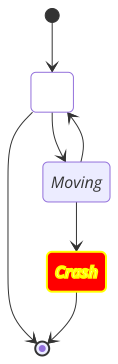
---
title: Very simple diagram
---
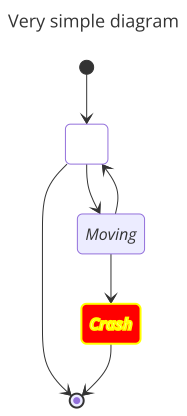
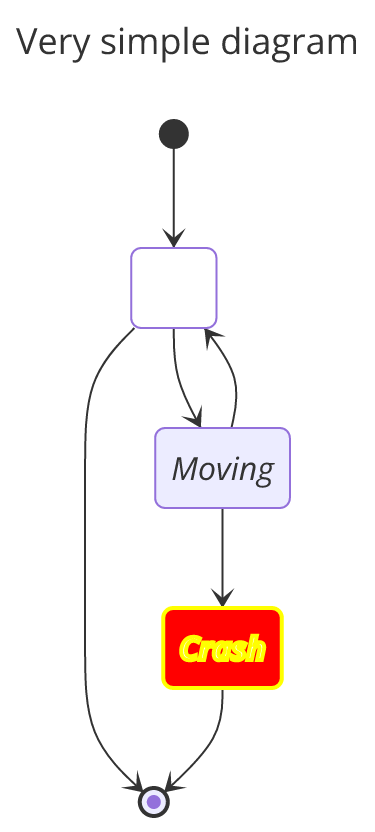
stateDiagram
  direction TB

  accTitle: This is the accessible title
  accDescr: This is an accessible description

  classDef notMoving fill:white
  classDef movement font-style:italic
  classDef badBadEvent fill:#f00,color:white,font-weight:bold,stroke-width:2px,stroke:yellow

  [*]--> Still
  Still --> [*]
  Still --> Moving
  Moving --> Still
  Moving --> Crash
  Crash --> [*]

  class Still notMoving
  class Moving, Crash movement
  class Crash badBadEvent
  class end badBadEvent
Example 3
match
0.000px mean node offset over 5 nodes0.00% width difference
SebastianJSHTML labels, as mermaid emits themno foreignObject, no stylesheet, no font neededrasterized at 2x by resvg, fonts from the registry
mermaid-cliheadless Chrome
Mermaid source
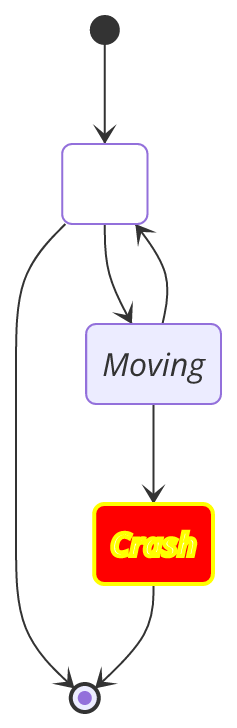
stateDiagram
      direction TB

accTitle: This is the accessible title
      accDescr: This is an accessible description

      classDef notMoving fill:white
      classDef movement font-style:italic
      classDef badBadEvent fill:#f00,color:white,font-weight:bold,stroke-width:2px,stroke:yellow

      [*] --> Still:::notMoving
      Still --> [*]
      Still --> Moving:::movement
      Moving --> Still
      Moving --> Crash:::movement
      Crash:::badBadEvent --> [*]
Example 5
match
0.000px mean node offset over 5 nodes0.00% width difference
SebastianJSHTML labels, as mermaid emits themno foreignObject, no stylesheet, no font neededrasterized at 2x by resvg, fonts from the registry
mermaid-cliheadless Chrome
Mermaid source
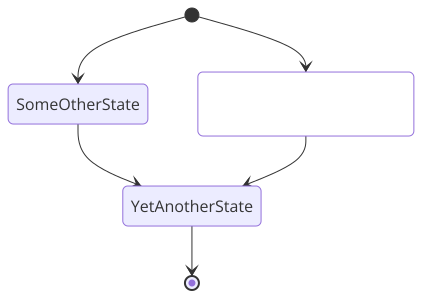
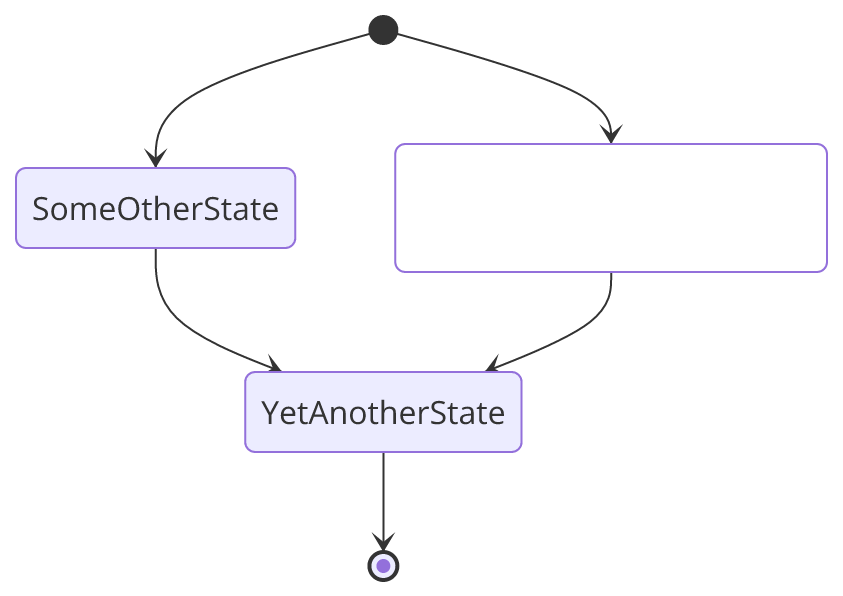
stateDiagram
classDef yourState font-style:italic,font-weight:bold,fill:white

yswsii: Your state with spaces in it
[*] --> yswsii:::yourState
[*] --> SomeOtherState
SomeOtherState --> YetAnotherState
yswsii --> YetAnotherState
YetAnotherState --> [*]
Example 7
match
0.004px mean node offset over 11 nodes0.00% width difference
SebastianJSHTML labels, as mermaid emits themno foreignObject, no stylesheet, no font neededrasterized at 2x by resvg, fonts from the registry
mermaid-cliheadless Chrome
Mermaid source
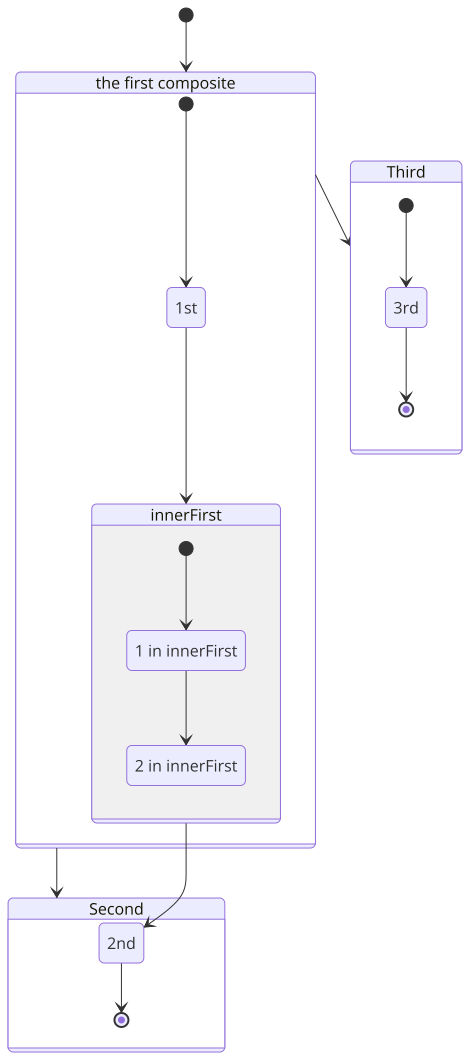
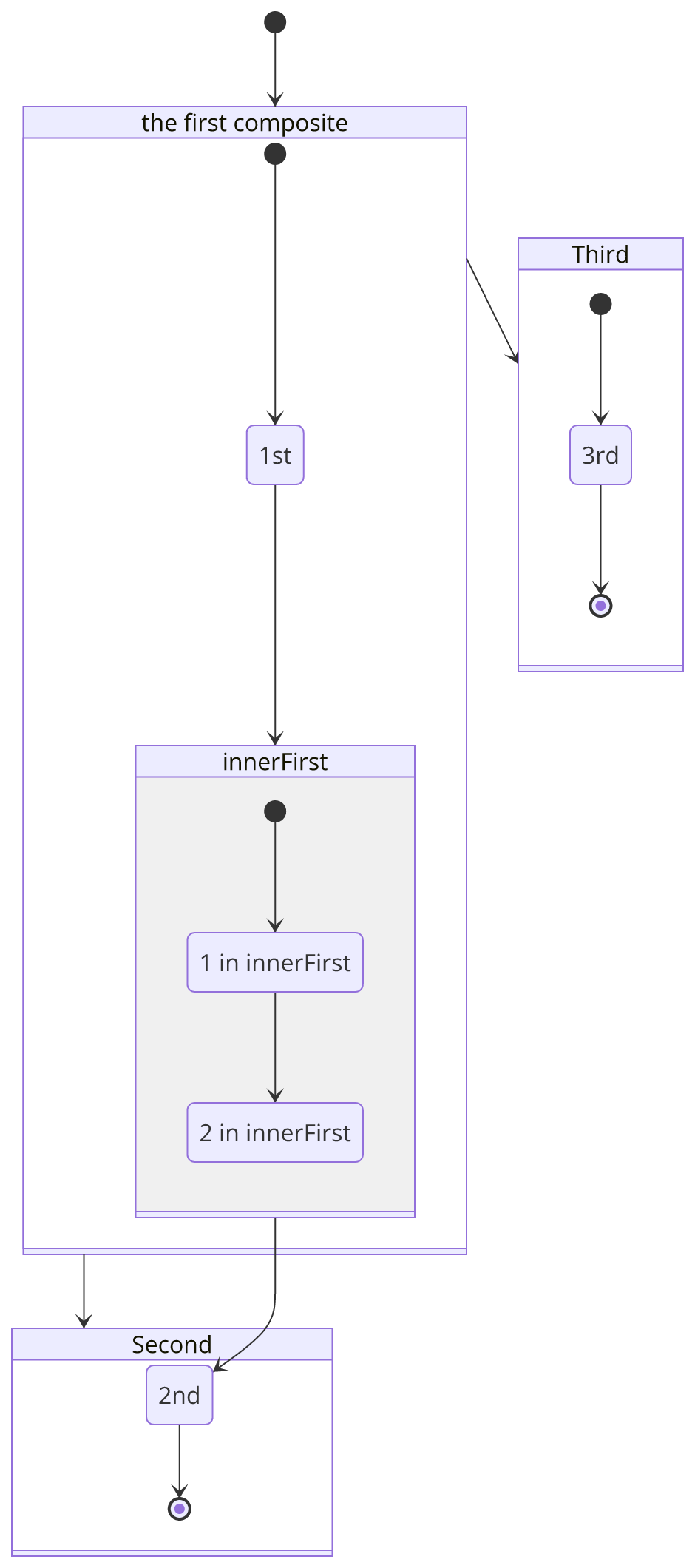
stateDiagram-v2
[*] --> First
First --> Second
First --> Third

state "the first composite" as First {
    [*] --> 1st
    state innerFirst {
      state "1 in innerFirst" as 1st1st
      1st2nd: 2 in innerFirst
      [*] --> 1st1st
      1st1st --> 1st2nd
      %% 1st2nd --> 1st
    }
    1st --> innerFirst
    innerFirst --> 2nd
}
state Second {
    2nd --> [*]
}
state Third {
    [*] --> 3rd
    3rd --> [*]
}
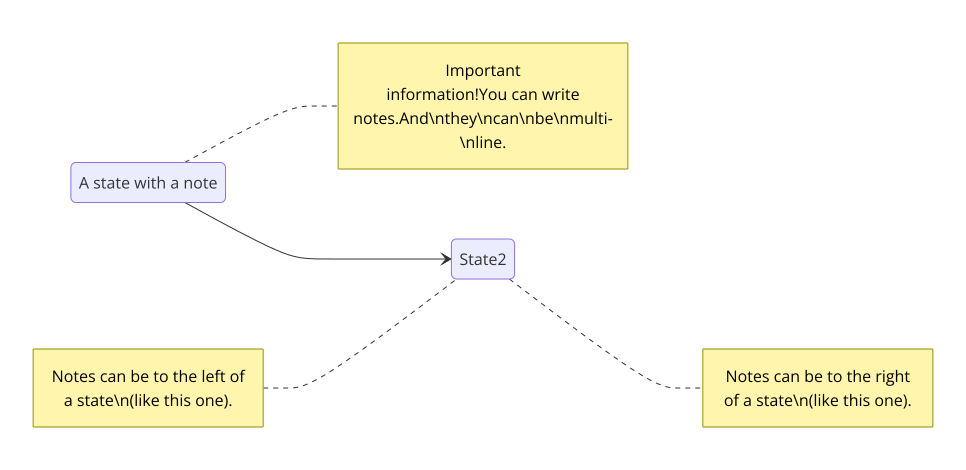
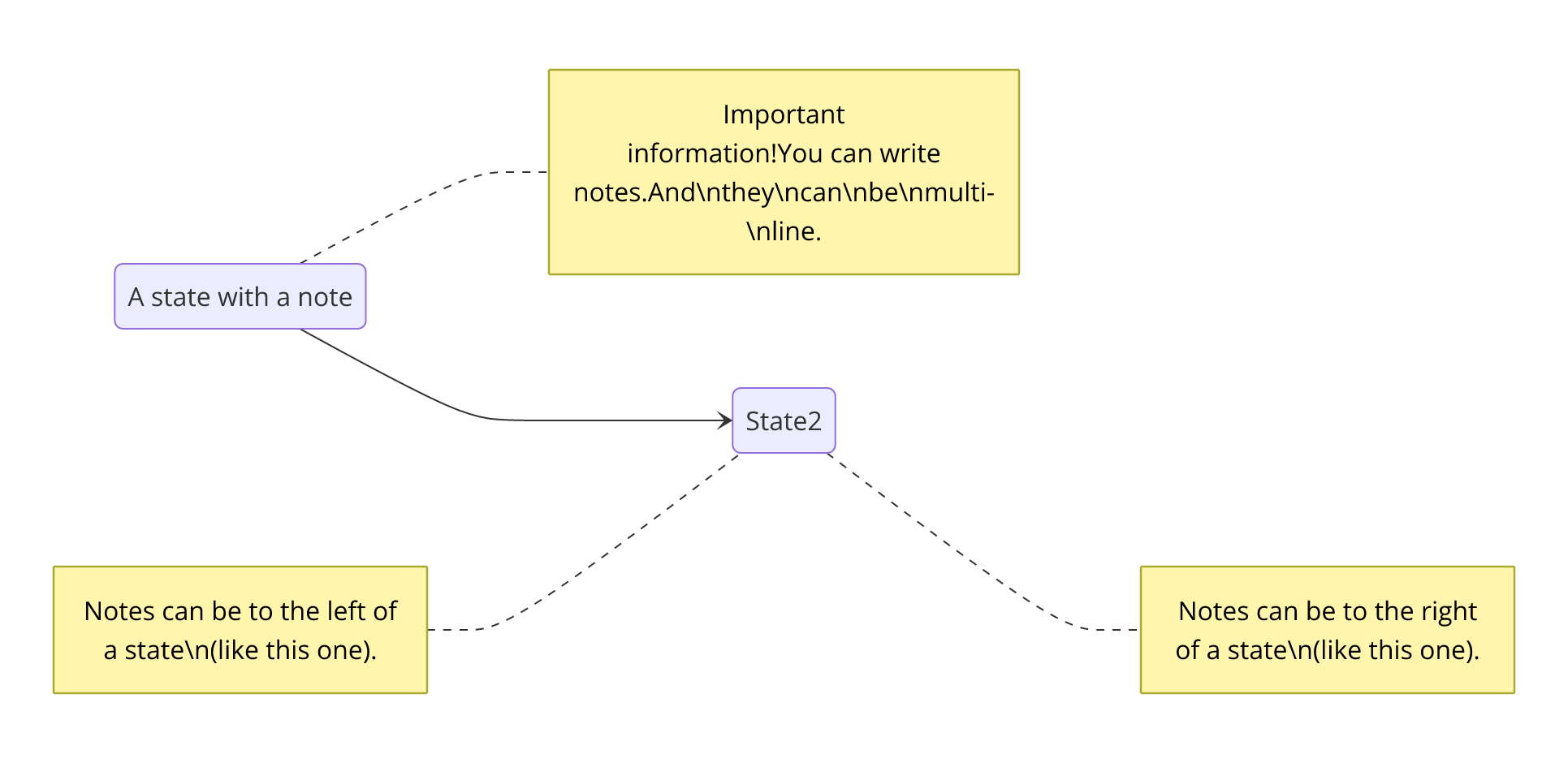
Example 10
match
0.004px mean node offset over 4 nodes0.00% width difference
SebastianJSHTML labels, as mermaid emits themno foreignObject, no stylesheet, no font neededrasterized at 2x by resvg, fonts from the registry
mermaid-cliheadless Chrome
Mermaid source
stateDiagram-v2
direction LR
State1: A state with a note
note right of State1
  Important information!You can write notes.And\nthey\ncan\nbe\nmulti-\nline.
end note
State1 --> State2
note left of State2 : Notes can be to the left of a state\n(like this one).
note right of State2 : Notes can be to the right of a state\n(like this one).